The browser war is real, and it seems to be all about Google Chrome, Mozilla Firefox, and Microsoft Edge. However, that doesn't mean other browsers are not worthy of your attention.
A Chromium foundation
Meet Opera, a Chromium-based web browser that uses the open-source code of Google Chrome, modified to suit its specific style. It can be used on any operating system and platform, including mobile devices. It's lightweight, and its data can be synced across multiple devices and platforms.Sidebar navigation and social features
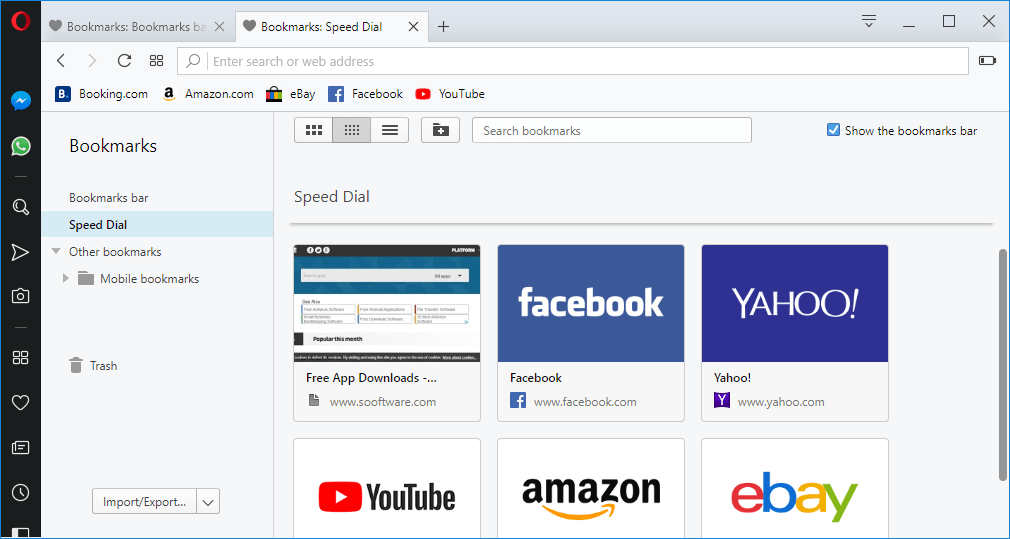
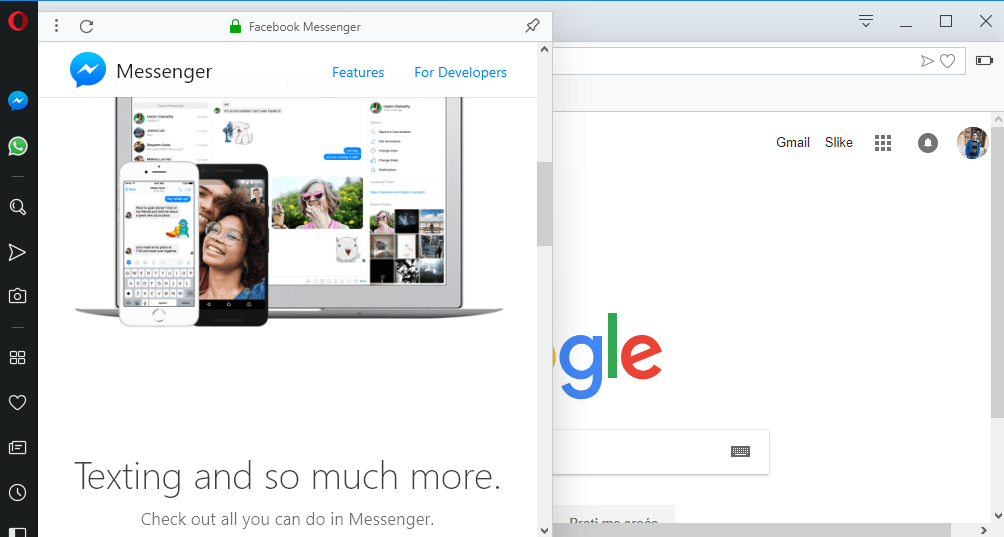
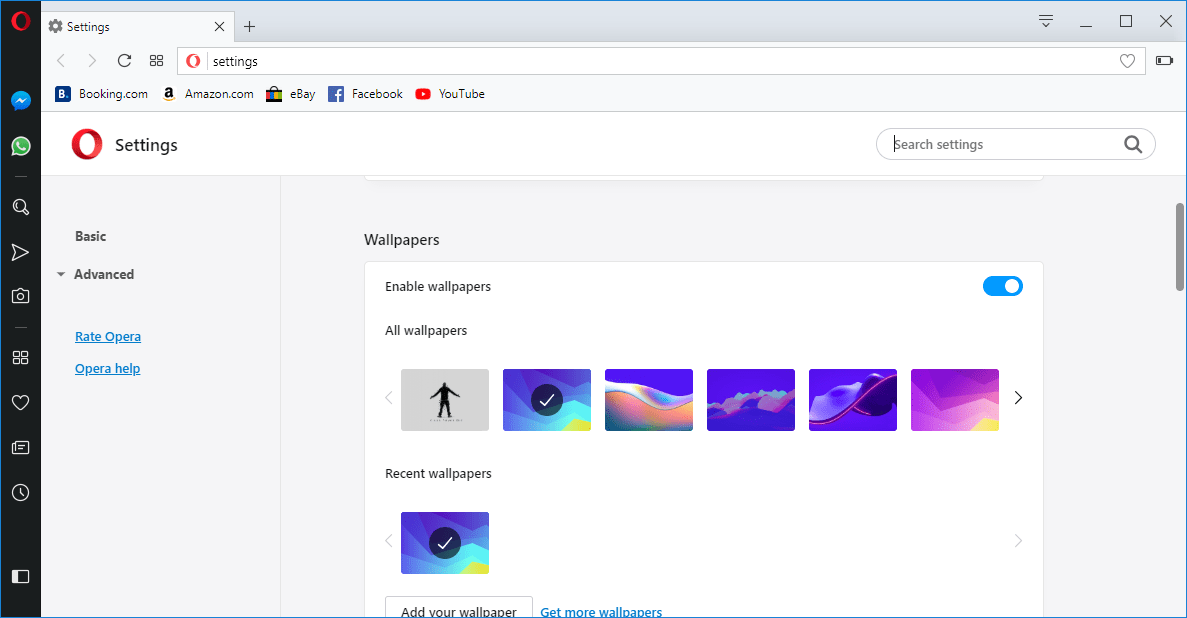
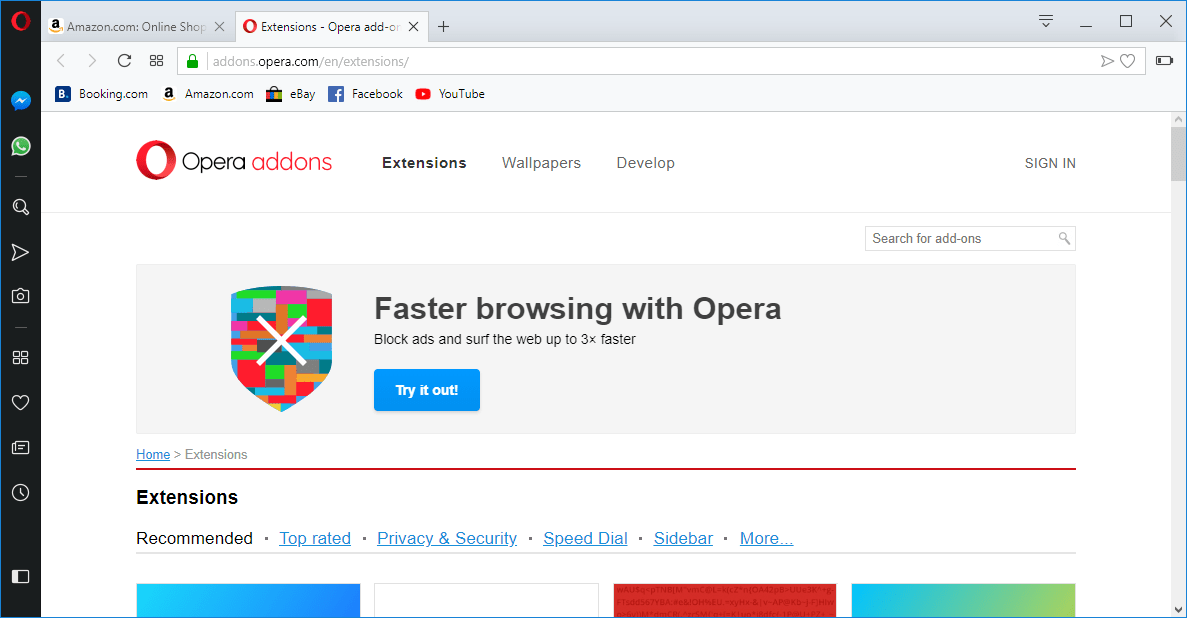
Its user interface is somewhat different than what we are used to. Instead of relying purely on a top-side menu, it uses a sidebar with icons for various browser features and settings. We love the Facebook Messenger and WhatsApp icons, which open a small side window where you can chat with your friends. Besides that, you will find other things quite similar to Google Chrome, from its settings to the familiar tabbed look.Page loading and startup speeds
What really puts Opera beside other top browsers is its fast loading times. While older iterations occasionally struggled with sluggish initial startups, modern updates have completely ironed that out. Today, it launches quickly and delivers excellent page-loading speeds when navigating from site to site, easily matching Chrome.Memory management and resource efficiency
Another thing it can brag about is its resource consumption. Chrome was actually quite notorious for its large memory consumption, but modern features like Memory Saver have helped it become much more efficient. Opera rivals this efficiency directly and often uses even less memory than Chrome under heavy loads, which is definitely something to consider.A smooth transition from other browsers
You can transfer everything from other browsers: your search history, bookmarks, website logins, and even cookies. It feels familiar to Google Chrome, and remains a great alternative for users who want to step away from Google's ecosystem without making a drastic switch to a completely different background engine like Firefox!